 TechIDaily
StretchGoGo 3.2.0 Released: iOS 17 Interactive Widgets, StretchCredits & The Future of Desk Mobility
A major leap forward in workplace ergonomics: seamless one-tap micro-breaks directly from your Home Screen, a gamified daily energy system, and precision Apple Watch posture guidance.
Long uninterrupted hours at a desk are the silent occupational hazard of modern knowledge work. When deep in code or creative flow, standard timer alarms feel disruptive, and navigating through multi-step app menus breaks cognitive momentum.
StretchGoGo 3.2.0 solves this with a comprehensive architectural overhaul. Built natively for iOS 17 and watchOS 10, this release introduces zero-latency Interactive Widgets, a rewarding StretchCredits energy economy, and whisper-quiet tactile Apple Watch haptic guidance.
Here is everything new in this release.
1. One-Tap Mobility: iOS 17 Interactive Widgets
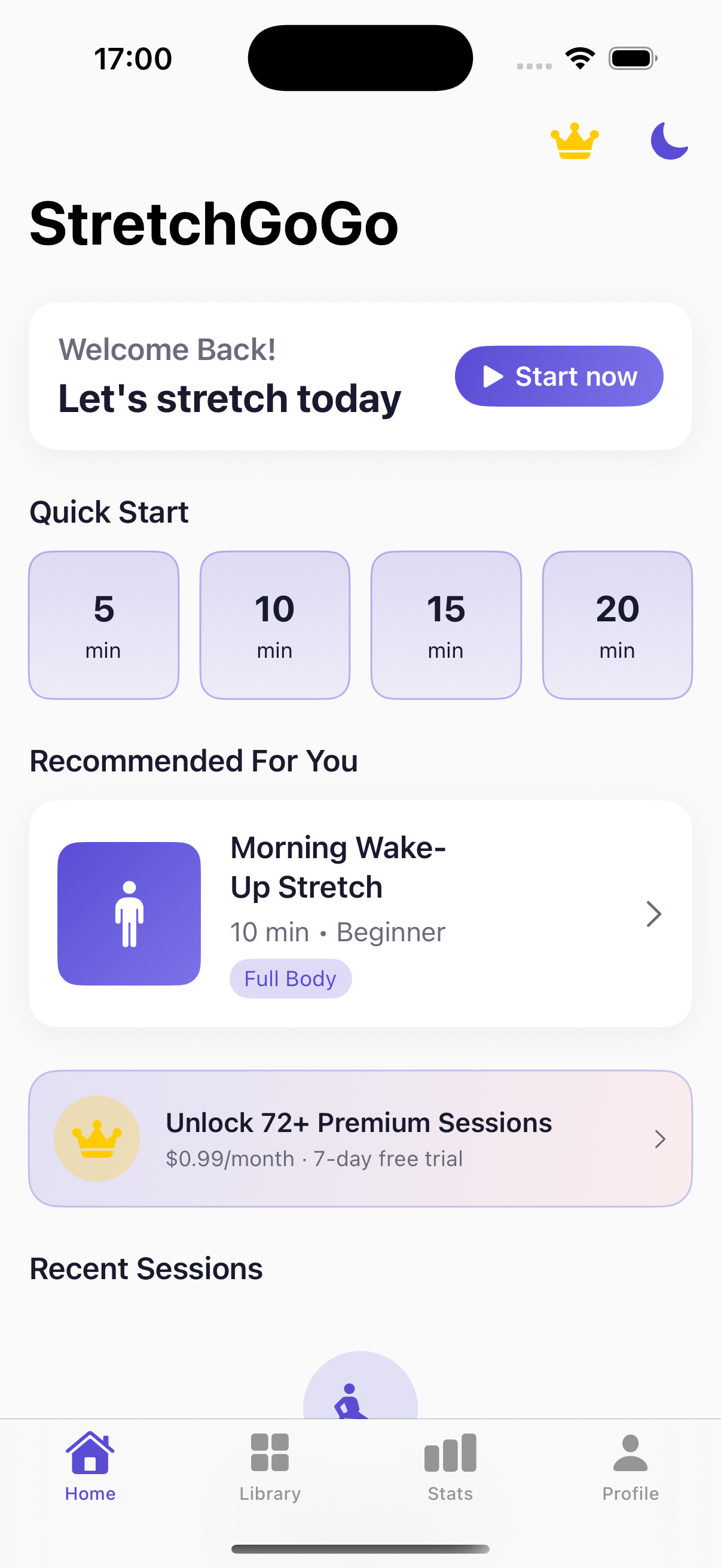

In previous iterations, logging a micro-stretch or viewing your daily posture streak required unlocking your iPhone, locating the app icon, and opening the workspace.
With StretchGoGo 3.2.0, the entire mobility loop lives directly on your Home Screen and Lock Screen via Apple’s native WidgetKit and AppIntents:
- Instant Session Triggering: Tap the widget's action button to immediately initiate a guided 90-second posture reset without launching the foreground app.
- Dynamic Streak Counters: Track your hourly standing and stretching completion status with live-updating visual progress rings.
- StandBy Mode Companion: When your iPhone rests horizontally on a MagSafe charger, StretchGoGo transforms into an ambient, glanceable desk clock displaying real-time ergonomics reminders.
2. Introducing StretchCredits: Gamifying Consistent Posture
Consistency is the hardest part of ergonomics. StretchGoGo 3.2.0 integrates our proprietary BuyServices Energy Credit System to transform daily mobility into a habit that rewards you:

- 100 Complimentary Onboarding Credits: Every user receives 100 free energy credits upon updating or fresh installation.
- +10 Daily Check-In Bonus: Tap the daily check-in chip in the newly redesigned Settings tab to claim your daily boost.
- Unlock Premium Routines: Use credits to unlock targeted physical therapy routines—such as Carpal Tunnel Relief, Thoracic Opener, and Sciatic Nerve Glides.
- Permanent Offline Vault: Your streak and credit transactions are cryptographically signed and stored in a secure local database, meaning zero loss of progress during flights or offline work sessions.
3. CoreMotion Calibration & Audio Ducking Refinements
For users who listen to podcasts or focus music while working, audio coaches can be jarring. In version 3.2.0:
- Intelligent Audio Ducking: When the mobility coach announces posture changes, background Spotify or Apple Music tracks seamlessly duck by 65% and smoothly ramp back up once the instruction concludes.
- Whisper Haptics on Apple Watch: If your iPhone is silenced or your watch is in Theater/Meeting mode, StretchGoGo switches entirely to high-frequency gentle taps (
WKGestureRecognizer& CoreMotion pitch sensing), coaching your shoulders back into alignment without making a sound.
4. What Changed: Version 3.1.0 vs. Version 3.2.0
| Feature Metric | StretchGoGo v3.1.0 | StretchGoGo v3.2.0 |
|---|---|---|
| Widget Interaction | Read-only static display | Interactive (Zero-tap launch) |
| Monetization & Rewards | Rigid paywall modal | 100 Free Credits + Daily Bonus |
| Deployment Target | iOS 16.0 / watchOS 9.0 | iOS 17.0+ / watchOS 10.0+ Native |
| Background Audio | Abrupt pause/resume | Smooth Audio Ducking (-65%) |
| Data Privacy | 100% On-Device | 100% On-Device (Zero Telemetry) |
5. How to Upgrade and Get Started in 60 Seconds
- Update via App Store: Open the App Store and update StretchGoGo to Version 3.2.0 (Build 19).
- Add the Interactive Widget: Long-press your iPhone Home Screen, tap
+, search for StretchGoGo, and choose the Medium or Small interactive widget. - Claim Your 100 Credits: Navigate to
Settings->StretchCredits Centerto see your initial 100 bonus units credited instantly. - Perform Your First Reset: Tap the [▶ START] button directly on your new widget, follow the subtle 90-second haptic cues, and feel your upper spine decompress.
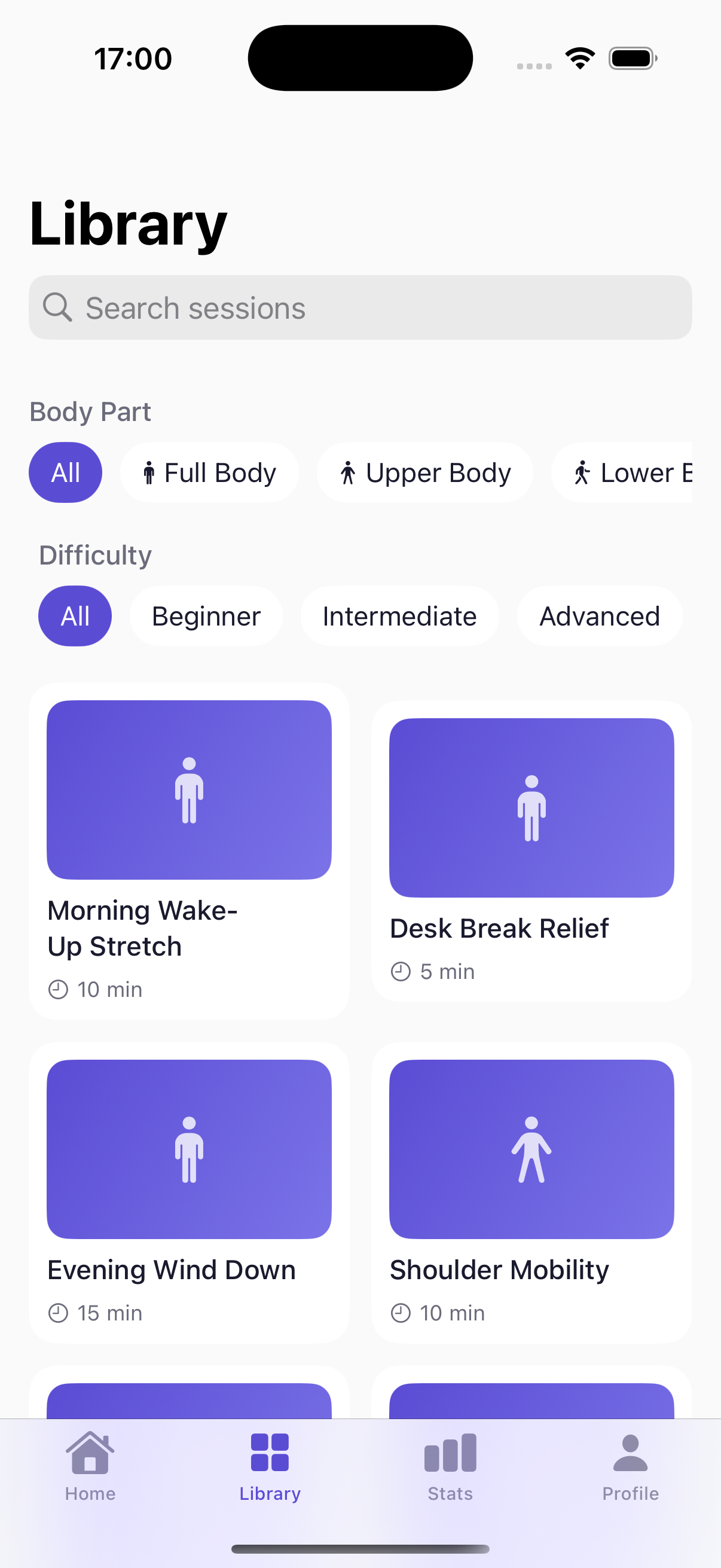
StretchGoGo In-App Mobility Guide
Daily 90-second postural resets calibrate thoracic extension and lumbar decompression directly from the primary iOS interface.