 TechIDaily
Automating Ergonomics: Siri Shortcuts and macOS Terminal Hooks for StretchGoGo
How to wire StretchGoGo into your terminal, Git hooks, and Raycast launcher so your posture tools never interrupt a compile, debugging session, or Git commit.
The greatest threat to any health app is the awkwardly timed prompt.
If a posture reminder rings while you are typing an interactive rebase command in Git or running an urgent production incident command, you will silence it with annoyance. Over time, friction breeds apathy, and the app is uninstalled.
StretchGoGo was architected for software creators. Instead of treating your workstation as an isolated silo, StretchGoGo exposes rich App Intents, Siri Shortcuts, and a local macOS daemon socket that allow your development environment to negotiate with your posture schedule.
This guide details how to integrate StretchGoGo with your shell, Git workflows, and Raycast launcher.
1. The StretchGoGo App Intents Architecture
Built on Apple's AppIntents framework, StretchGoGo exports four first-class system intents:

StartQuickResetIntent: Immediately initiates a 90-second posture reset session.PostponeResetIntent(minutes: Int): Pushes the current timer back by $N$ minutes (ideal for ongoing meetings or builds).LogErgonomicStateIntent: Records current workstation type (Sitting, Standing, Couch, Cafe).GetErgonomicStatusIntent: Returns current strain score (0–100) and accumulated minutes.
2. Setting Up Raycast & Alfred Shortcuts
If you live in Raycast or Alfred, you can trigger and snooze StretchGoGo without taking your fingers off the keyboard:

To configure this in Raycast:
- Open Raycast Settings > Extensions > Shortcuts.
- Search for
StretchGoGo: Start Reset. - Assign a global hotkey:
HyperKey + S(orCmd + Option + Control + S). - Now, whenever your wrists feel fatigued, a single keystroke triggers the 90-second guided sequence on your Apple Watch.
3. Integrating with Git Commit Hooks
A common developer habit is completing a micro-stretch immediately after committing a cleanly tested unit of work.
You can automate this by adding a hook to your global Git configuration (~/.git/hooks/post-commit):
With this hook active, wrapping up a Git commit automatically checks your physical strain and prompts your watch during natural intellectual downtime.
4. Preventing Interruptions During Live Builds & Tests
Conversely, you can automatically pause StretchGoGo alerts when a long build or debugging test is running.
Add this wrapper function to your ~/.zshrc:
5. Summary & Developer Checklist
By treating your posture utility as an API-accessible component of your engineering setup, you remove the friction that causes developer burnout.
- [x] Link Siri Shortcuts to your Raycast/Alfred launcher.
- [x] Configure post-commit hooks for natural movement pacing.
- [x] Enjoy frictionless, zero-guilt ergonomic maintenance.
StretchGoGo In-App Mobility Guide
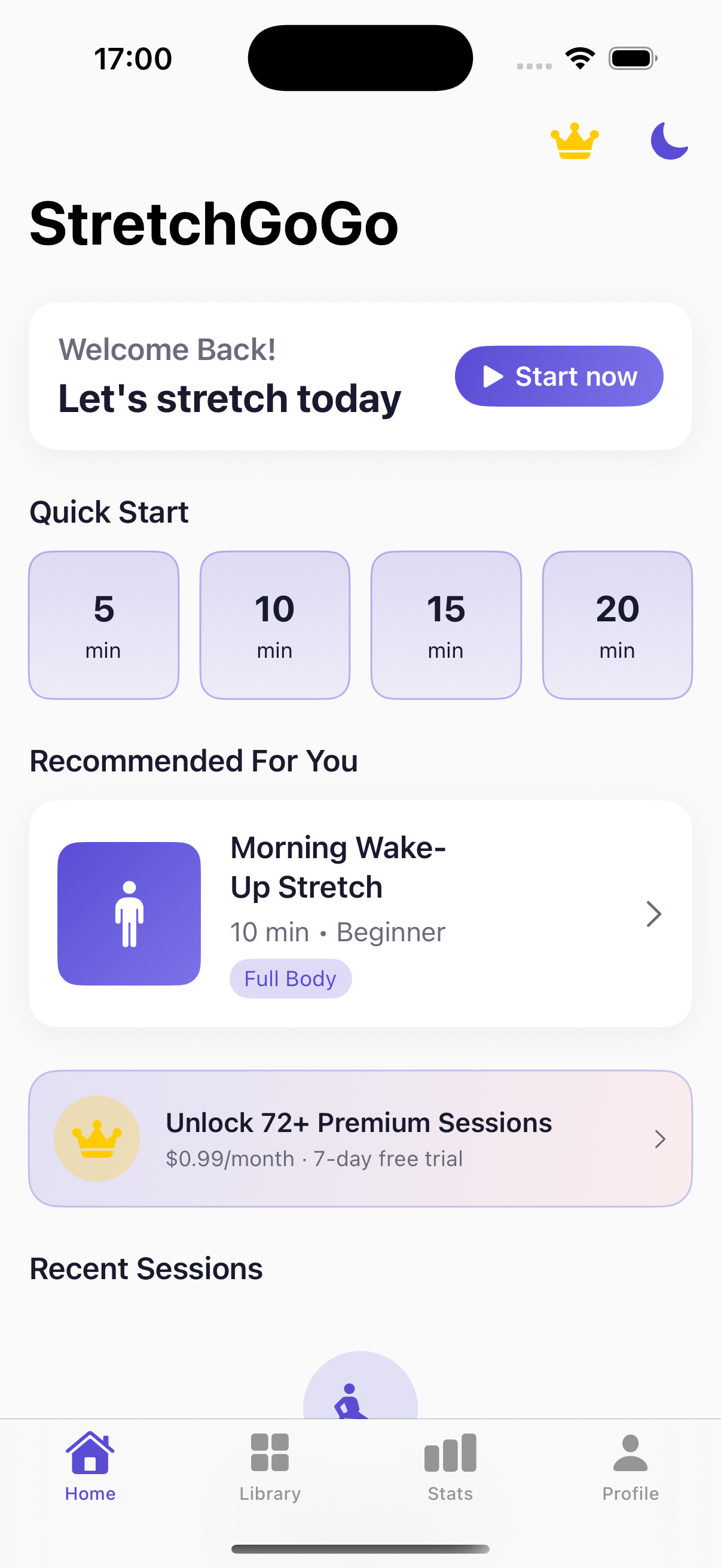
Daily 90-second postural resets calibrate thoracic extension and lumbar decompression directly from the primary iOS interface.