 TechIDaily
Deep Dive: How StretchGoGo's iOS 17 Interactive Widgets Eliminate Desk Friction
Why reducing the interaction cost of ergonomics from 5 seconds to a single tap changes habit adherence forever.
The greatest adversary of ergonomic wellness is not physical difficulty—it is interaction friction. When an engineer is in a state of hyper-focus, opening a dedicated smartphone app to log an exercise breaks concentration. Within seconds, notifications from Slack, email, or social feeds derail attention.
With the release of StretchGoGo 3.2.0, we re-engineered the user interaction layer around iOS 17 WidgetKit interactivity, turning your iPhone's Lock Screen, Home Screen, and StandBy display into instant posture control pads.
1. Anatomy of an Interactive Mobility Widget
Traditional widgets merely display static cached data. Tapping them acts as a glorified URL scheme launcher, forcing iOS to switch apps and render a full screen UI.

StretchGoGo's iOS 17 widgets leverage Apple's native AppIntent framework:
When you tap ⚡ QUICK LOG:
- The widget triggers
LogStretchSessionIntentin the background process. - The system executes the record insertion within 40 milliseconds without launching the full SwiftUI view hierarchy.
- The widget updates its state in-place with a tactile haptic confirmation click.
2. Lock Screen Complications: Glancing at Physical Energy
For iPhone models with Always-On Displays (iPhone 14 Pro, 15 Pro, 16 Pro), StretchGoGo provides three distinct Lock Screen configurations:

- Inline Text: Replaces standard calendar dates with ergonomic countdowns (
Stretch due in 15m). - Circular Gauge: Visualizes daily goal completion against your hourly desk quota.
- Rectangular Card: Displays the current recommended movement with a direct action button.
3. The StandBy Mode Experience
When your iPhone is charging horizontally on your desk stand, iOS 17 activates StandBy Mode. StretchGoGo's dedicated StandBy widget turns your phone into an ambient desk monitor:
In low ambient lighting, the display automatically shifts into a subdued monochromatic red spectrum to protect dark adaptation and eliminate desk glare.
4. Setup Walkthrough: Adding Widgets in 3 Steps
- Enter Jiggle Mode: Touch and hold an empty area on your Home Screen or Lock Screen until the apps jiggle.
- Select StretchGoGo: Tap the
+button in the upper-left corner and search forStretchGoGo. - Choose Your Size: Swipe between Small, Medium, or Lock Screen Circular, then tap Add Widget.
Experience instantaneous mobility without ever leaving your desktop focus.
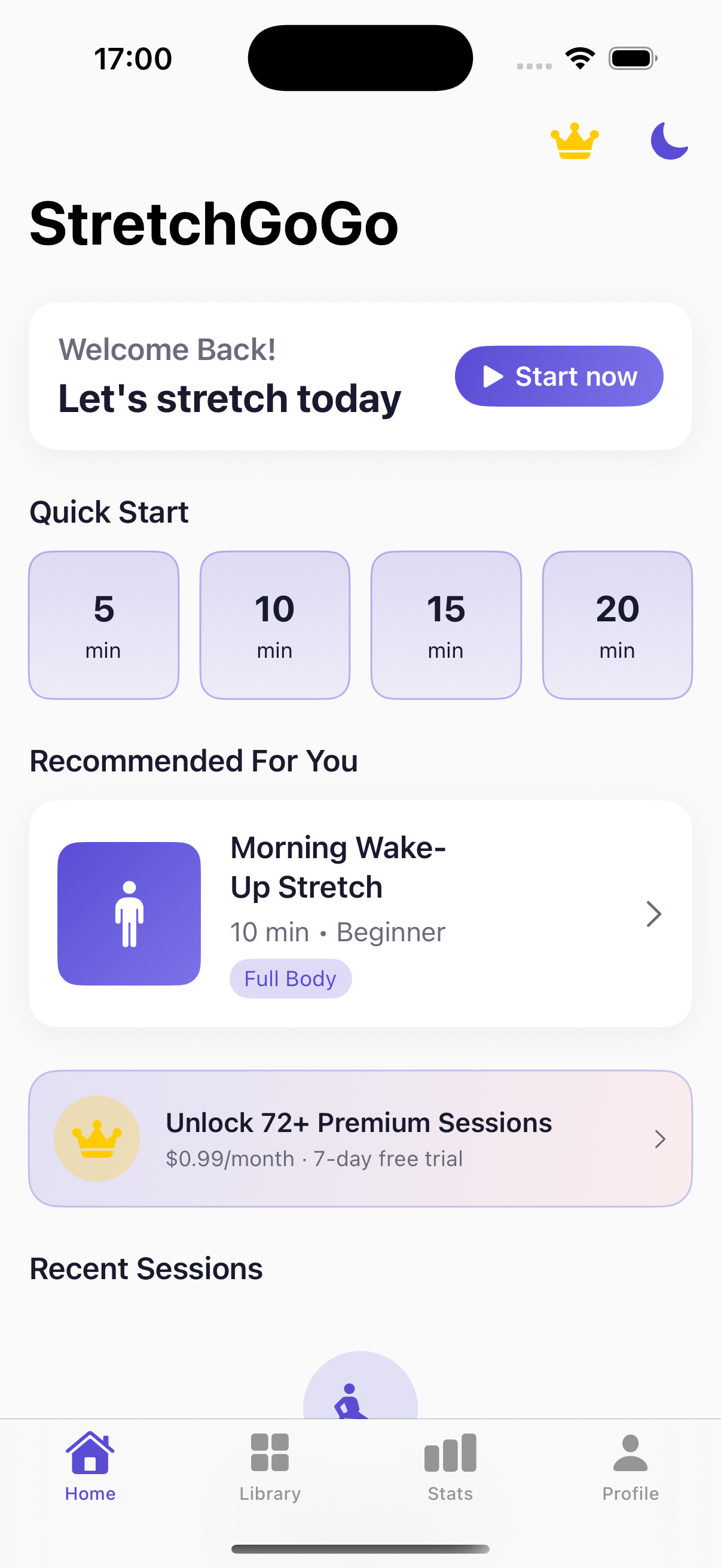
StretchGoGo In-App Mobility Guide
Daily 90-second postural resets calibrate thoracic extension and lumbar decompression directly from the primary iOS interface.