 TechIDaily
Customizing Micro-Routines: Targeted Stretches for Software Engineers
How to architect personalized, 90-second physical recovery routines tailored to your specific workstation pain points.
No two software developers experience ergonomic strain in the exact same way:
- A backend engineer spending seven hours in terminal sessions often battles ulnar forearm stiffness and radial deviation.
- A frontend engineer switching between Figma and a browser trackpad frequently suffers from dominant-shoulder elevation and trapezius spasm.
- A developer working on a laptop on the couch will develop cervical forward-head tilt and pectoral tightness.
StretchGoGo's default 90-second routine delivers balanced full-body relief. However, the app's Routine Architect lets you construct custom micro-sequences targeting your personal mechanical bottlenecks.
This tutorial guides you through creating, testing, and scheduling custom stretch sequences on iOS and watchOS.
1. Deconstructing the 90-Second Micro-Interval
Every custom routine in StretchGoGo is built from three 30-second blocks:

Why 90 seconds?
- Anything shorter than 60 seconds fails to trigger neural reflexive relaxation via the Golgi tendon organ.
- Anything longer than two minutes breaks your coding flow state, making you more likely to dismiss the prompt.
2. Tutorial: Building a "Terminal Forearm & Wrist" Routine
Here is how to build a routine specifically designed for heavy keyboard users suffering from wrist tightness:

Step 1: Open the Routine Editor
- In the StretchGoGo iPhone app, navigate to the Routines tab.
- Tap the "+" icon in the upper-right corner.
- Name your routine:
Terminal Forearm Relief.
Step 2: Configure Movement 1 — The Praying Flexor Glide (30s)
- Tap Add Movement 1.
- Select Upper Extremities > Flexor Carpi Radialis Stretch.
- Set Duration to 30 Seconds.
- Select Haptic Cue: Bilateral Pulse (prompts a smooth transition at the 15-second mark to reverse hands).
Step 3: Configure Movement 2 — Active Extensor Resistance (30s)
- Select Upper Extremities > Extensor Digitorum Activation.
- Form a gentle fist, extend your knuckles upward against light resistance from your opposite palm.
- Why this matters: Contracting the extensors forces the hyper-tight flexors to relax through reciprocal neural inhibition.
Step 4: Configure Movement 3 — Median Nerve Floss (30s)
- Select Neural Dynamics > Median Nerve Gliding.
- Extend the arm outward, bend the wrist backward, and gently tilt your head to the opposite side in rhythmic synchrony.
Step 5: Save and Sync to Apple Watch
Tap "Save Routine". The sequence synchronizes instantaneously to your paired Apple Watch over WatchConnectivity.
3. Routine Templates for Common Pain Profiles
StretchGoGo provides three pre-configured templates that you can import and customize:
Template A: The "Laptop Slouch" Antidote
1. Chin Tucks with Retraction (30s) 2. Scapular Doorframe Wall Slides (30s) 3. Thoracic Spine Extension Over Chair Back (30s)
- Focus: Reversing cervical spine compression and rounded shoulders.
- Movements:
Template B: The "Standing Desk Hip Unloader"
1. Standing Hip Flexor Psoas Lunge (30s) 2. Gluteus Maximus Isometric Squeeze (30s) 3. Hamstring Standing Hinge (30s)
- Focus: Relieving anterior pelvic tilt and lower back compression.
- Movements:
4. Scheduling Routine Triggers Based on Telemetry
You do not need to choose your routine manually each time. StretchGoGo allows you to link specific routines to sensor conditions:
- If Wrist Pitch is Negative for > 60 mins: Automatically trigger Terminal Forearm Relief.
- If Stance is Static Standing for > 35 mins: Automatically trigger Hip Unloader.
- If Evening Working Hours (Post 5:00 PM): Automatically trigger Laptop Slouch Antidote to alleviate cumulative workday fatigue.
5. Reviewing Form with Watch Visual Guidance
During each 30-second block, your Apple Watch display renders a minimal vector animation illustrating the movement path. A tactile tap signals the 15-second halfway mark, allowing you to switch sides seamlessly without glancing at the screen.
Ergonomics & Well-Being Note: If any stretch causes sharp, shooting pain or tingling down your fingers, discontinue the movement immediately. Gentle tension is expected; acute nerve pain indicates that you should consult a licensed physical therapist.
StretchGoGo In-App Mobility Guide
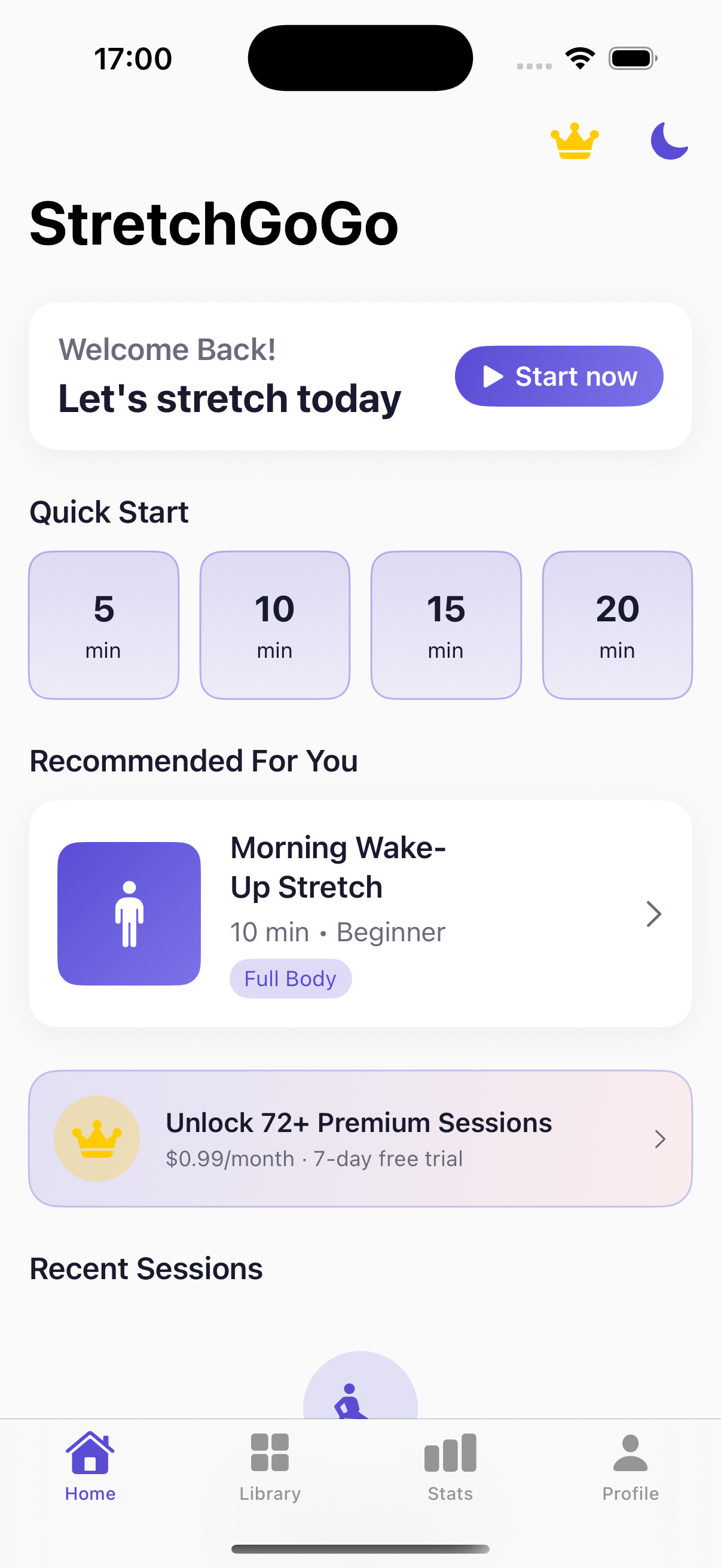
Daily 90-second postural resets calibrate thoracic extension and lumbar decompression directly from the primary iOS interface.