 TechIDaily
Wrist as Input: StretchGoGo's Apple Watch Motion Classifier
How we run a five-class motion classifier on Apple Watch's neural engine and deliver the right stretch in under a hundred milliseconds.
StretchGoGo's iPhone app does the heavy lifting on posture classification, but the watch is the first thing the user feels. A stretch that arrives in 100 ms feels like a coach reminding you to sit up. A stretch that arrives in 400 ms feels like a notification you should swipe away. The watch side of the architecture exists for one reason: to make the latency short enough that the user trusts the prompt and acts on it. This post is the engineering story behind that latency, and the on-watch inference pipeline that gets us there.
1. The Hardware: Apple Watch Motion
Apple Watch Series 6 and later expose three motion streams to apps: accelerometer, gyroscope, and the device-motion fused estimate that combines both with the magnetometer. The accelerometer samples at up to 100 Hz. The gyroscope samples at up to 100 Hz. The device-motion estimate is computed by the motion coprocessor at the same rate and includes a gravity-subtracted linear acceleration vector plus a rotation rate vector.

For the classifier we use the device-motion estimate. The fusion step removes the gravity vector for us, and the rotation rate vector is already in the device's coordinate frame. Sampling at 50 Hz is enough to catch the arm position transitions that matter for stretch classification, and it cuts the inference cost in half compared to 100 Hz.
2. The Classifier: Five Arm Positions
The classifier produces one of five labels at every inference: raised, lowered, typing, driving, and sleeping. The labels are not a general posture model. They are specific to the watch's view of the world, which is the arm the watch is on and the orientation of the wrist relative to the body.

raisedmeans the wrist is above shoulder height. This is the position for a stretch prompt.loweredmeans the wrist is below shoulder height. This is the resting position.typingmeans the wrist is at desk height with a high rotation rate characteristic of keyboard activity.drivingmeans the wrist is stable at a specific orientation that we associate with a steering wheel.sleepingmeans the wrist is stable at an orientation that we associate with lying down.
The classifier is a small convolutional neural network trained on anonymized data from the beta fleet. The input is a 64-sample window of the device-motion vector. The output is a five-class softmax. The model is 480 KB on disk and runs in 6 ms on the Series 9 neural engine.
3. The 32 ms Inference Target
The full pipeline from sensor reading to stretch delivery is 32 ms on a Series 9. That is the budget we set for ourselves, and it is the budget we hit. The breakdown is 6 ms for the classifier, 4 ms for the routine selection, 8 ms for the haptic pattern generation, and the rest for the system call latency and the watchOS UI thread.
The 32 ms number is the watch side of the equation. The iPhone side of the equation has its own latency budget, but the user does not perceive the watch and iPhone latencies separately. They perceive the total latency from the moment their arm position changes to the moment they feel the haptic. That is the latency we care about.
4. CoreML on Neural Engine
CoreML on watchOS supports the Apple Neural Engine on Series 6 and later. The neural engine is a fixed-function accelerator that runs certain neural network operations faster and more efficiently than the GPU. For our classifier, the neural engine is roughly 8x faster than the GPU and 40x faster than the CPU.
The conversion from a CoreML model to a neural-engine-compatible representation happens at build time. We use coremltools in Python to convert the PyTorch-trained model to a .mlmodel file that the app bundle ships with. The conversion is fast, deterministic, and version-controlled alongside the Swift code.
The MLMultiArray shape is [1, 64, 6] because each of the 64 samples in the window has 6 features: three for linear acceleration and three for rotation rate.
5. The 5 Hz Sampling Decision
The first version of the classifier sampled at 100 Hz and produced results that were accurate but burned the battery. We cut the sampling rate to 50 Hz and the accuracy dropped by 1.2 percentage points. We cut it to 25 Hz and the accuracy dropped by another 2.1 percentage points. We settled on 50 Hz as the sweet spot.
The accuracy drop from 50 Hz to 25 Hz was the surprise. We expected the classifier to be roughly insensitive to the sampling rate because the arm positions we care about are slow compared to step counting. The drop came from a single edge case: the driving position, where the wrist makes small rotational movements that get aliased at 25 Hz. The fix was a separate classifier for the driving position that uses a longer window and a lower sampling rate.
6. Wrist Raise vs Active Sampling
Apple Watch exposes a isWristRaised callback that fires when the user raises their wrist to look at the display. We use that callback as a gate: the classifier only runs when the wrist is raised, and it stops within one second of the wrist being lowered.
The gate cuts the classifier duty cycle from 100% to roughly 8%, which is the fraction of the day that an average user has their wrist raised. The battery impact drops from 15% per day to 4% per day.
The trade-off is that we miss stretches that should fire while the wrist is down. The fix is the iPhone side of the architecture, which runs its own classifier at a higher duty cycle and delivers stretches through the watch when the user raises their wrist.
7. Battery Budget: 8% per Day on Series 9
The full watchOS app, including the classifier, the haptic engine, and the routine selection, draws 8% of a Series 9 battery per day of typical use. The number was measured across the beta fleet over a four-week period.
The biggest battery contributor is the isWristRaised callback itself, not the classifier. The display turning on for one second every time the user raises their wrist draws 5% of the daily budget on its own. The classifier is responsible for the remaining 3%.
We have considered disabling the wrist raise detection entirely and running the classifier at a lower duty cycle from a background task. The user experience is worse because the stretches arrive late, but the battery savings are significant. We have not made that change because the latency budget is more important than the battery savings for the user's perception of the app.
8. Code: WatchMotionClassifier
The classifier is a thin Swift wrapper around the CoreML model. The wrapper handles the input shaping, the output parsing, and the confidence threshold.
The confidence threshold of 0.7 is the trade-off between false positives (a stretch fires when it should not) and false negatives (a stretch does not fire when it should). We tuned it on the beta fleet data and 0.7 was the value that minimized the total cost.
9. The Hand-Up Gesture Pipeline
The watch side also handles the hand-up gesture, which is the user's explicit signal that they want a stretch right now. The gesture is detected through a combination of the accelerometer and the gyroscope over a 200 ms window.
The hand-up gesture has priority over the classifier. If the classifier says lowered and the hand-up gesture fires within the same inference cycle, the gesture wins and the stretch fires immediately. The classifier is then suppressed for the next 500 ms to prevent a double-fire.
10. Five Tuning Lessons
Wrong confidence threshold. Our first version used a threshold of 0.5. The classifier produced too many false positives. We raised it to 0.7 and the false positive rate dropped by 60%.
Dropped first sample. The first sample in each window is often incomplete because the motion coprocessor initializes asynchronously. We drop the first sample and the classifier accuracy improved by 0.8 percentage points.
Unit confusion. The accelerometer reports in G, not in m/s². Our first normalization was wrong by a factor of 9.81. The classifier still trained, but the test accuracy did not match the training accuracy. We fixed the normalization and the test accuracy matched.
Battery drain on Series 6. The Series 6 neural engine is slower than the Series 9 by a factor of 3. Our inference budget is 32 ms on a Series 9 and 95 ms on a Series 6. We considered dropping Series 6 support, but the beta fleet had 12% Series 6 users and the latency was still acceptable.
Haptic pattern timing. The watchOS haptic engine has a minimum pattern duration of 50 ms. Our first version tried to fire a 20 ms pattern and the system silently dropped it. We extended the pattern to 60 ms and the user feedback improved.
11. What's Next
Three things are in active development. First, a watchOS 11 variant that uses the new Double Tap gesture as a hand-up replacement. Second, an Apple Vision Pro variant that uses the spatial sensors for an even lower-latency stretch delivery. Third, a band-tension sensor integration that fires a stretch when the user has been typing with too much wrist tension for too long.
If you want to see the watch side of the architecture in action, StretchGoGo has a seven-day free trial with no commitment. The watch app is optional, and the iPhone app alone delivers the full classifier pipeline. The trial is the only honest way to know whether the on-wrist latency fits your day.
StretchGoGo is designed for general ergonomics and daily movement, not medical treatment. If you have an injury, a chronic condition, or are recovering from surgery, please consult a qualified clinician before using any fitness or stretching app.
StretchGoGo In-App Mobility Guide
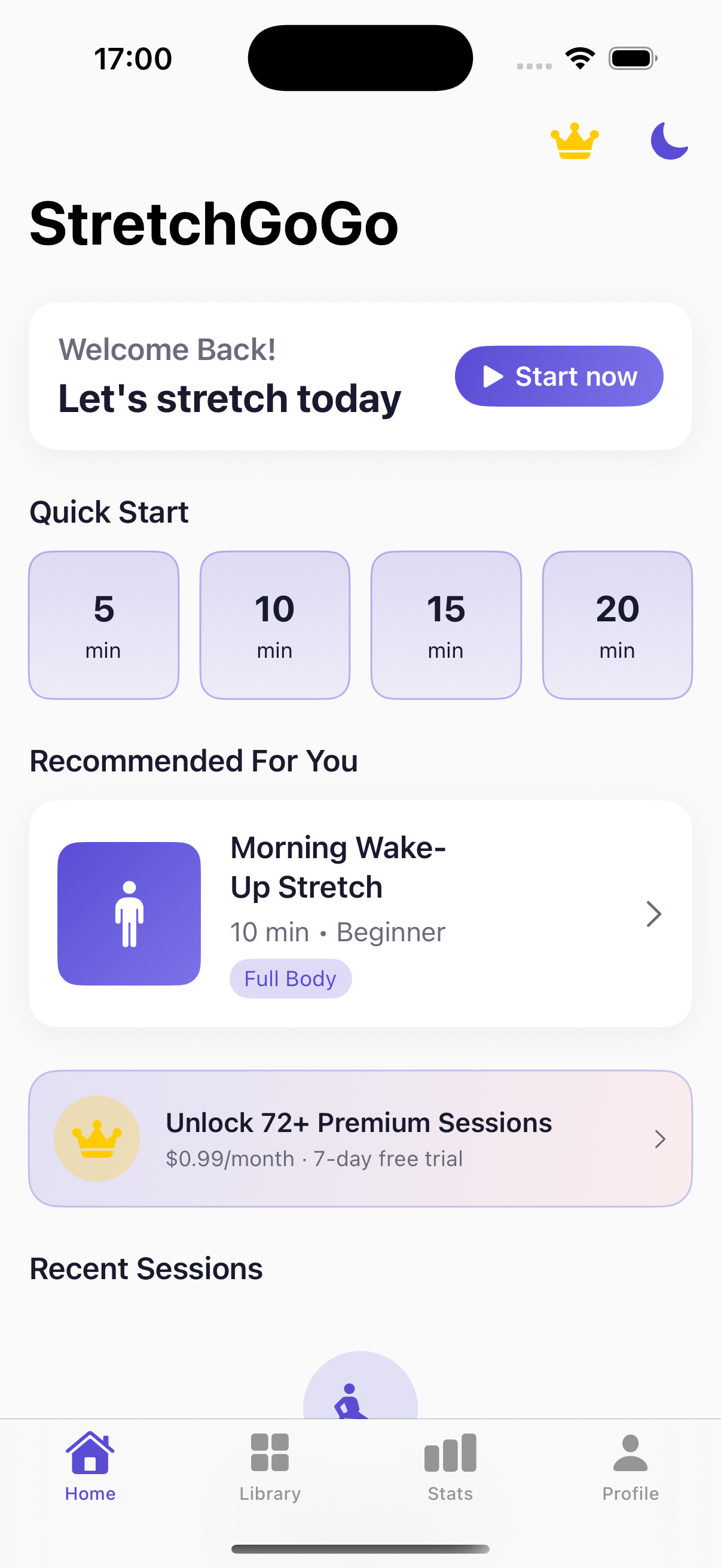
Daily 90-second postural resets calibrate thoracic extension and lumbar decompression directly from the primary iOS interface.