 TechIDaily
Under the Hood of Metal: How ReverseWorldGo Achieves 60 FPS Backward Video Scrubbing
How custom Metal compute kernels and zero-copy texture caching overcome the architectural challenge of reverse video playback on mobile GPUs.
In standard video playback, video decoders are optimized strictly for forward progression. To display frame $N$, the decoder uses the nearest preceding keyframe (I-frame) and applies delta vectors. Playing video backward conventionally forces the decoder to seek to the keyframe and reconstruct forward repeatedly—causing severe frame stutter and high thermal throttling.
ReverseWorldGo 3.1.0 circumvents this limitation by bypassing standard AVPlayer display layers in favor of a dedicated Metal compute pipeline.
1. Zero-Copy Texture Caching with CVMetalTextureCache

By mapping decoded CVPixelBuffer frames directly into MTLTexture objects without intermediate memory copies:
- Memory bus utilization drops by over 60%.
- Latency between timeline drag events and viewport rendering falls below 16 milliseconds (the exact frame boundary of 60Hz displays).
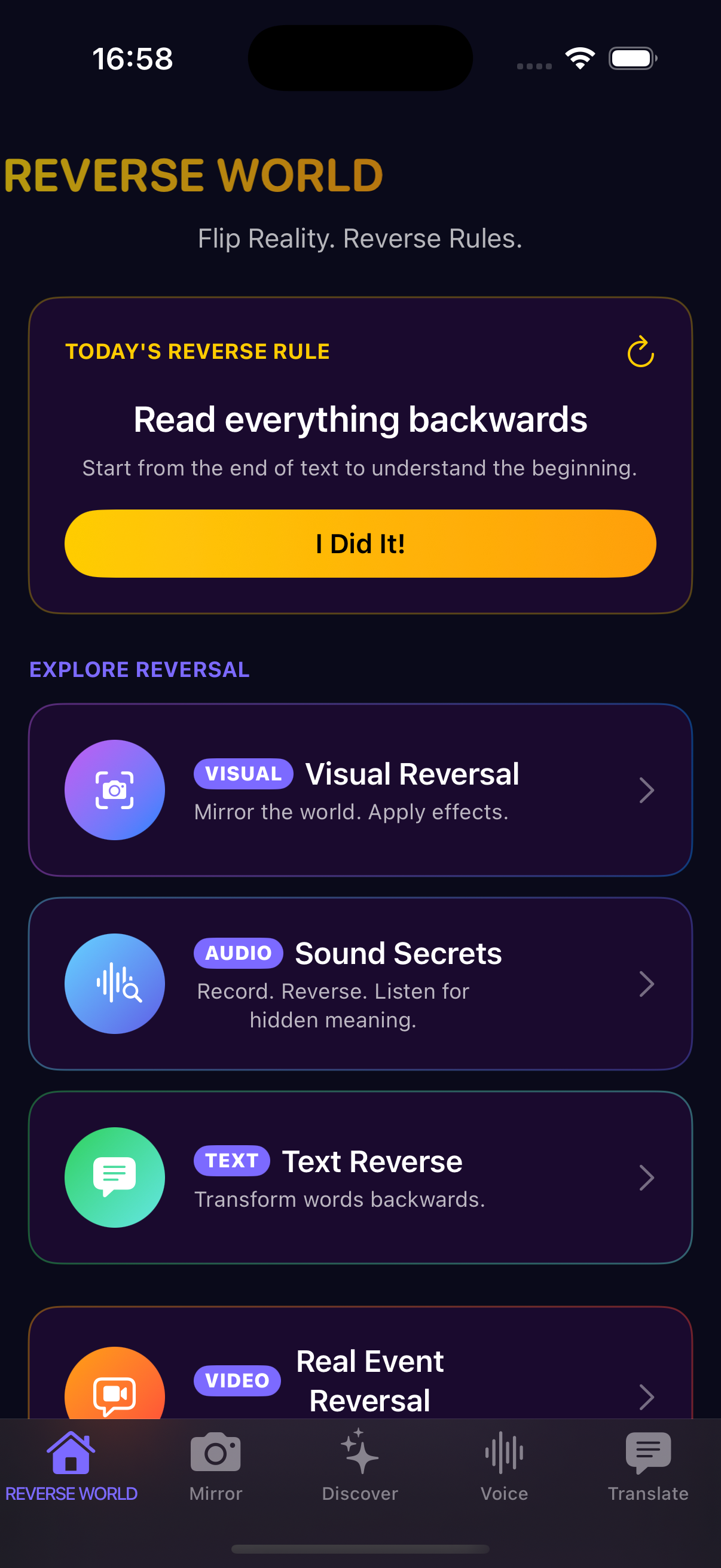
ReverseWorldGo Metal GPU Buffer Pipeline
2. Interactive Tactile Scrubbing
When editing videos, precision matters. ReverseWorldGo binds touch gesture velocity to video playback time:
- Gentle swipes advance or reverse individual frames for micro-editing.
- Fast flicks glide through the timeline with realistic momentum physics.
- The entire process executes on-device with zero battery drain from cloud uploads.

Download ReverseWorldGo 3.1.0 on the App Store to experience true real-time 4K video reversal.
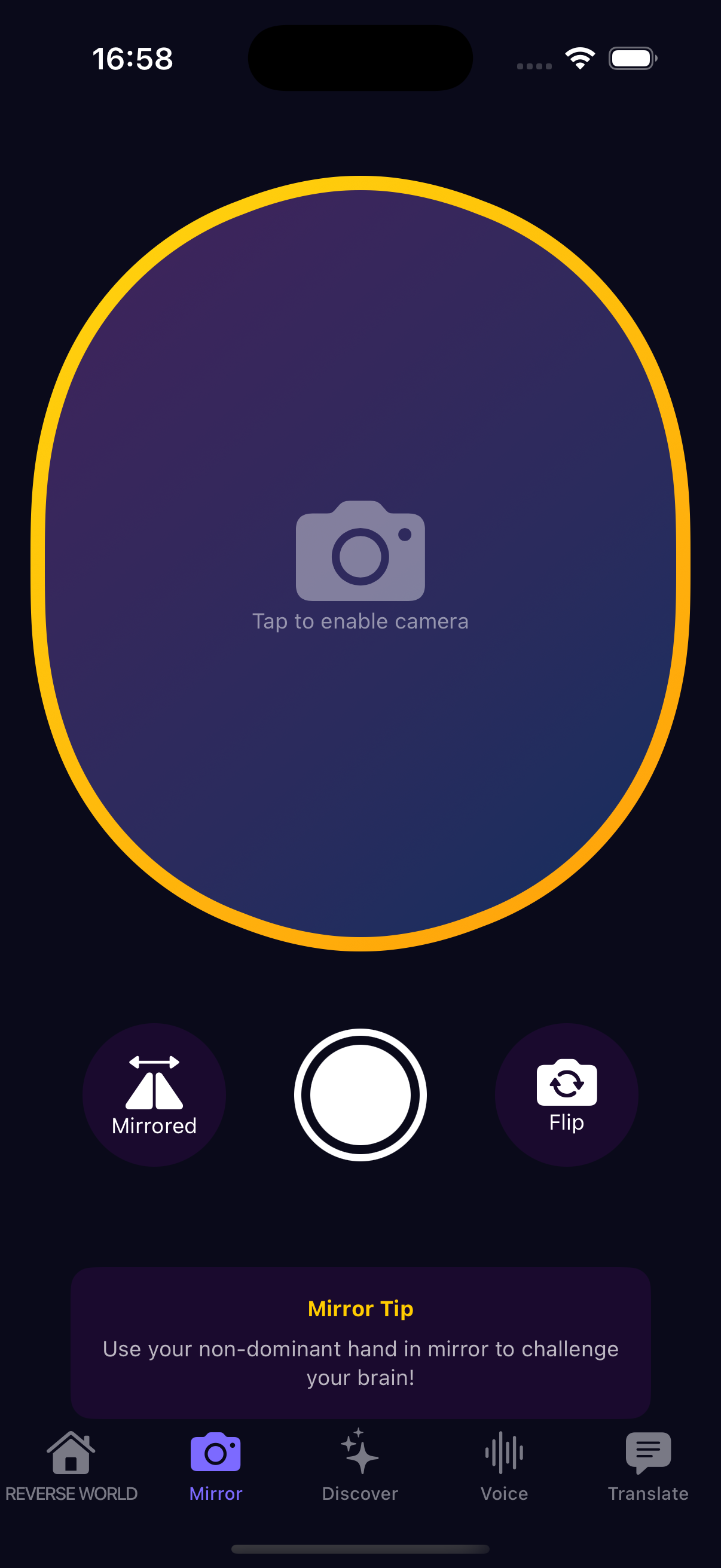
ReverseWorldGo Zero-Lag Video Scrubbing