TechIDaily
Transform Your Nightstand: How HabitArcFlow Leverages iOS 17 StandBy Mode
Turn idle charging time into an ambient focus station with zero blue light disruption.
The moments before sleep and immediately upon waking set the psychological tone for our habits. Yet, looking at a bright iPhone screen at 10:30 PM floods your eyes with alerting blue photons and tempts you into infinite scrolling loops.
HabitArcFlow 1.1.0 takes full advantage of iOS 17 StandBy Mode to create an ambient, hands-free bedside experience that protects sleep hygiene while keeping your evening routines top-of-mind.
1. How StandBy Mode Works in HabitArcFlow
When an iPhone running iOS 17 is placed horizontally on a MagSafe or Qi wireless charging stand:

- Ambient Awareness: The app dynamically adjusts its typography and contrast based on ambient light sensor data.
- Night Mode Sleep Protection: In dark bedrooms, the display converts to a monochromatic deep-red hue (wavelength > 620nm), preserving melatonin secretion and preventing sleep disruption.
- One-Tap Bedside Completion: Check off your final evening habits without unlocking your phone or navigating away from the clock.
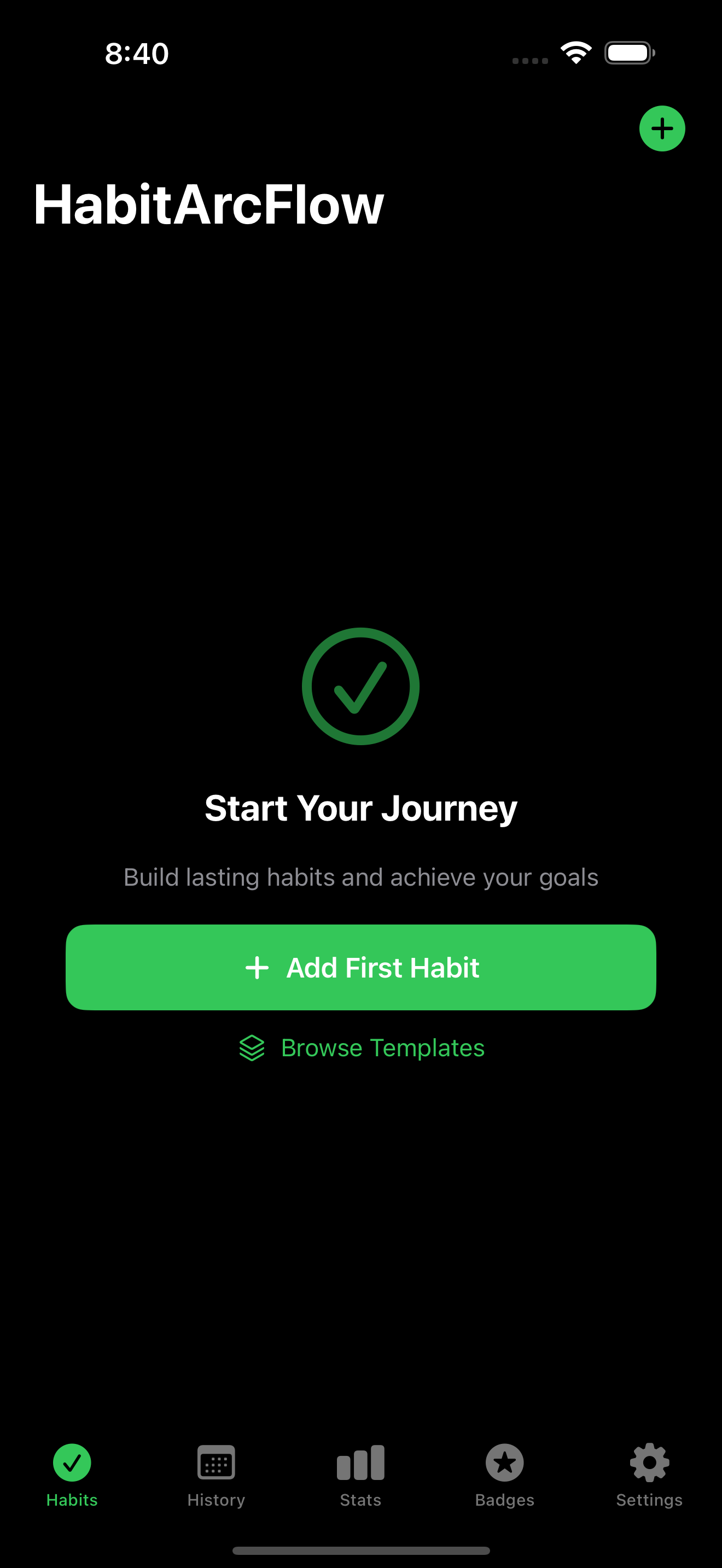
2. Configuring Your StandBy Habit Station in 3 Minutes
- Enable StandBy: Ensure StandBy is toggled on in iOS Settings -> StandBy. Enable Night Mode and Motion to Wake.
- Dock Your iPhone: Mount your iPhone horizontally on any MagSafe stand.
- Swipe to HabitArcFlow: Swipe left or right on the widget face until the HabitArcFlow Nightstand widget appears.
- Customize Visible Routine: Long-press the widget face to select which habit stack (Morning, Deep Work, or Evening) is prioritized.

Elevate your nightly routine with HabitArcFlow 1.1.0 on the App Store.