 TechIDaily
The Physics of Habit: Engineering Atomic Behavioral Loops on iOS 17+
How interactive widget controls, App Intents, deterministic streak calculus, and zero-latency local persistence eliminate friction in personal habit formation.
Building consistent daily habits is fundamentally an optimization problem in human-computer interaction. As behavioral psychologist Dr. BJ Fogg famously demonstrated in his behavior model:
$$\text{Behavior} = \text{Motivation} \times \text{Ability} \times \text{Prompt}$$
When motivation inevitably fluctuates across a stressful workweek, the only reliable variable an application can influence is Ability—which means reducing the cognitive and physical friction of logging an action to near zero.
Most habit-tracking applications on the App Store impose excessive overhead: unlock your iPhone, locate the application icon, wait for a remote server sync splash screen, navigate through complex tab hierarchies, and finally tap a confirmation checkmark. By the time that four-second workflow completes, the micro-reward of the habit has evaporated.
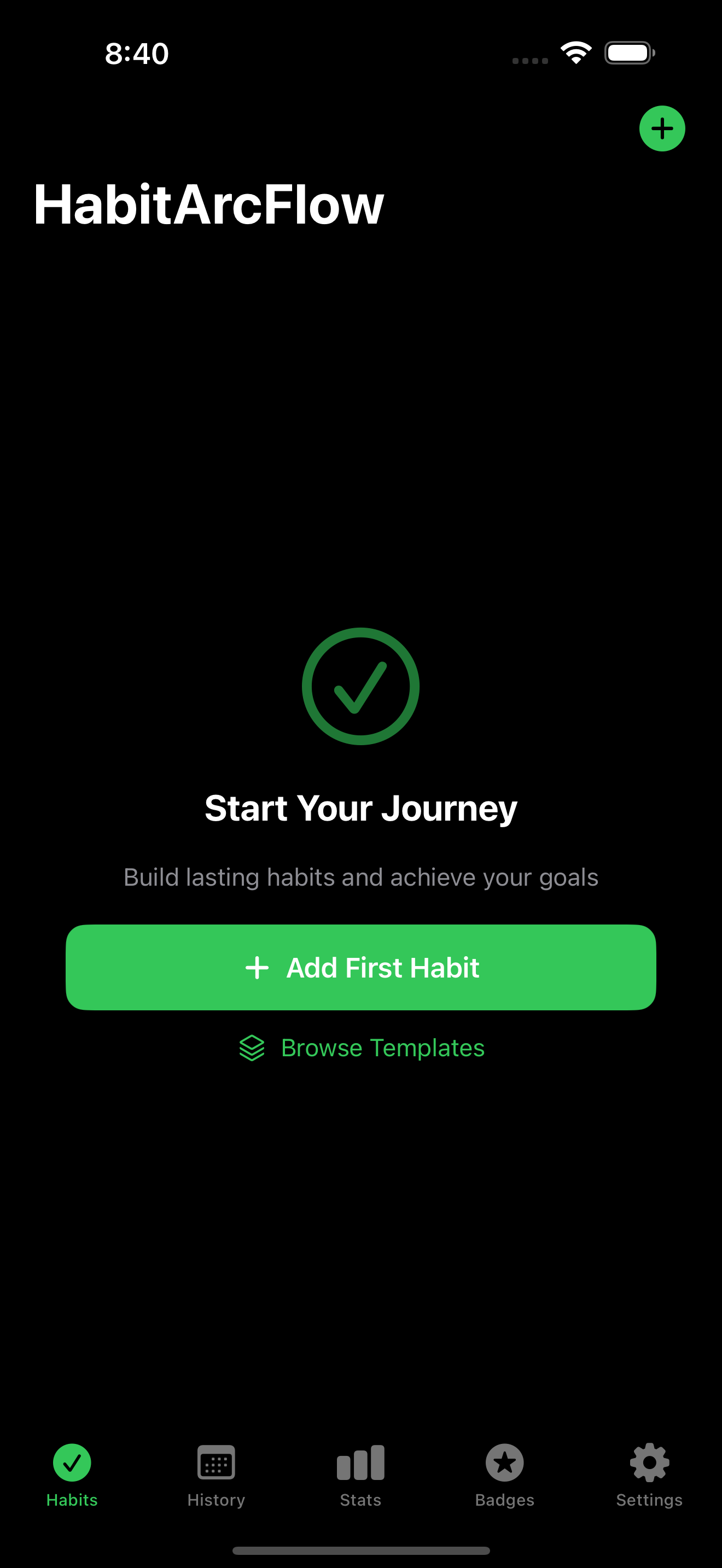
HabitArcFlow was designed from scratch around iOS 17's Interactive Widgets and App Intents. This post breaks down how we engineered a frictionless habit loop that lets users complete and track daily rituals directly from their Home Screen and StandBy display in under 200 milliseconds.
1. Deconstructing the Habit Loop: Cue, Routine, Reward
In Charles Duhigg's classic formulation, every habit consists of three components:

- The Cue: A perceptual prompt triggering the automated routine.
- The Routine: The actual physical or intellectual behavior (e.g., drink a glass of water, do ten pushups, write 200 words).
- The Reward: An immediate neurochemical payoff that signals the basal ganglia to encode the loop.
If the gap between the routine and the recorded reward exceeds a few seconds, the neurological connection between the effort and the satisfaction weakens. HabitArcFlow makes the recording step an instantaneous extension of the Home Screen itself.

2. Interactive Widgets with App Intents: Zero-App-Launch Interaction
Prior to iOS 17, WidgetKit views were static read-only snapshots. Tapping any part of a widget forced a deep link into the host application, disrupting whatever the user was doing.

With iOS 17's AppIntent integration on SwiftUI Button, users can mutate app state directly within the SpringBoard process:
And in the SwiftUI widget view:
3. The Streak Calculus: Avoiding the Midnight Timezone Bug
The most common engineering flaw in habit trackers is the Timezone Displacement Bug.
If an engineer tracks a habit at 11:30 PM in San Francisco and then boards an overnight flight to New York, naive comparisons based on UTC day boundaries will report that a day was skipped, unfairly breaking a 120-day streak.
HabitArcFlow models time using calendar-agnostic local day strings (YYYY-MM-DD) computed against the user's active local Calendar.current and TimeZone.current at the exact moment of logging:
This deterministic algorithm guarantees that as long as the user performed their habit once during each physical day according to their local clock, their streak remains inviolate across international travel.
4. StandBy Mode and Lock Screen Optimization
With iOS 17's StandBy mode, an iPhone resting horizontally on a MagSafe charger on a nightstand transforms into a smart ambient display.
HabitArcFlow supplies custom small and circular accessory widget families:
- Lock Screen Circular: Displays an unobtrusive circular progress ring indicating percentage of daily habits completed.
- StandBy Rectangular: Large high-contrast typography readable from six feet away across a dim bedroom, reminding you of your evening reading ritual before sleep.
Because StandBy mode enforces strict limits on update budgets, our widgets use pre-rendered vector paths that require zero runtime compositing overhead.
5. Offline-First Architecture: Why Local SQLite Trumps Cloud Synced DBs
Nothing destroys the immediacy of a habit tracker like an offline modal stating "Unable to connect to server."
HabitArcFlow stores all records in a local SQLite database accessed via a high-performance WAL (Write-Ahead Logging) connection. When the user taps a widget button:
- The transaction commits to local disk in under 1.8 milliseconds.
- An optional background CloudKit synchronization job queues asynchronously.
- If the user is on an airplane, in a remote cabin, or in a subway tunnel, the app functions with 100% fidelity.
6. Habit Stacking: The Compound Interest of Small Actions
In James Clear's Atomic Habits, the concept of habit stacking suggests pairing a new habit with an established anchor:
"After I pour my morning coffee, I will meditate for two minutes."
HabitArcFlow supports conditional ordering cues, allowing users to define parent-child dependencies between habits. The completion of habit A automatically surfaces habit B to the top of your Home Screen widget stack, reinforcing natural associative neural pathways.
7. Conclusion
Friction is the ultimate habit killer. By leveraging modern iOS 17 capabilities—interactive widgets, zero-launch App Intents, and local-first persistence—HabitArcFlow turns daily discipline from a battle of willpower into an effortless, tactile reflex.